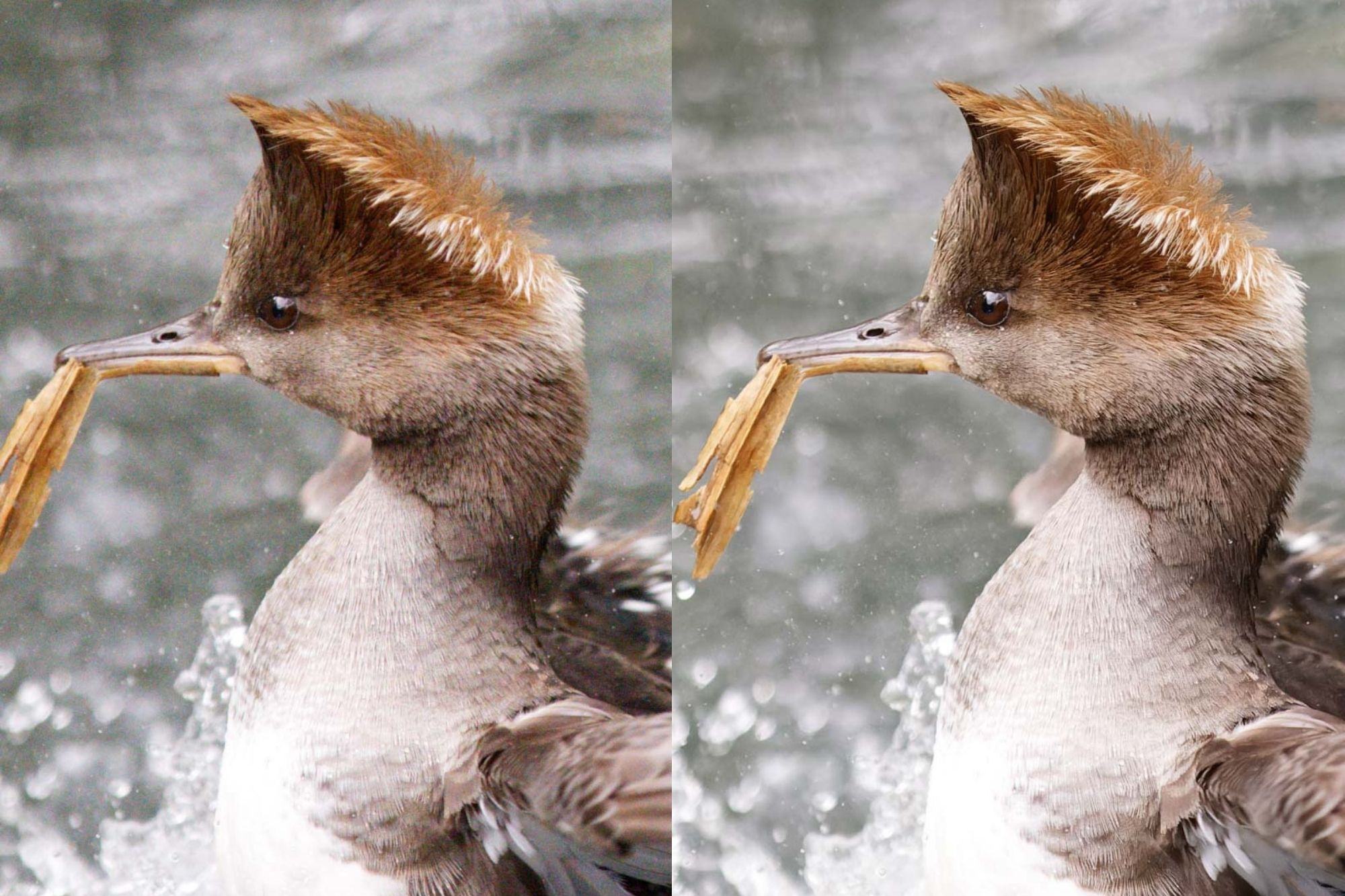
Extensive AI noise reduction software review

myotis

Suspended / Banned
Messages
4,503
Name
Graham
Edit My Images
No

This is a detailed review of the DXO, Topaz and NoNoise (and Lightroom), which as I've seen in other detailed reviews of multiple images, they find the "best" software choice varies with image. Though DXO deep prime comes out as the overall winner.

Additionally, given. a previous discussion we had on here about AI de-noising software, I found this comment interesting:

"For example, the Audubon Photography Society award have the following rule which forbids “AI and machine-learning-based software used for upscaling, sharpening and significant noise reduction”."

EDIT: I have just checked the rules for the Audubon Photography Society awards, and can find no mention of this rule: maybe I am just reading the wrong section, but thought it worth mentioning.

 
Last edited:
Read through and overall it is just stating what all the so called experts produce on the likes of YouTube, at the end of the day it really for amateur photographers comes down to what you like and what you can afford. I tried the DXO pure raw but found it over bakes images compared to Topaz and I still use Lightroom 6 perpetual and DXO 2 does not work with it so to have that option you need to subscribe to Adobe and buy the most expensive stand alone option of the noise reduction software's, but everyone will have there favourite. Russ
 
Read through and overall it is just stating what all the so called experts produce on the likes of YouTube,
The majority of the youtube videos I've seen tend to compare a single image. But how well these AI programs perform is very image dependent and the value of this comparison was that multiple images were compared. But I agree you need to make up your own mind, and given the rapid release of program updates, the program that works best for you one week, might not be the best choice, a week later.

There is also the issue that the AI programs "make things up" and this was the first I had heard mention that there use had been banned in a competition.
 
Thanks for sharing my article :) You are correct, the 2022 Audubon rules have been updated to remove that stipulation. The 2021 rules did have that rule, so I've updated the post to link to the web archive version of the 2021 rules as an example and clarify that it's not a rule for that contest currently. The general idea of that section is just to make people aware that it's a possibility and to check the rules of any competition as things like this can be easy to miss.
 
The majority of the youtube videos I've seen tend to compare a single image. But how well these AI programs perform is very image dependent and the value of this comparison was that multiple images were compared. But I agree you need to make up your own mind, and given the rapid release of program updates, the program that works best for you one week, might not be the best choice, a week later.

There is also the issue that the AI programs "make things up" and this was the first I had heard mention that there use had been banned in a competition.

I wrote the article because in my research I couldn't find an article that compared multiple types of image, and I thought that might be useful, so I am pleased that was the case. Plus I was personally interested in the results, both in terms of the image but also in terms of file sizes and performance speed. Of course, noise reduction and the results are very subjective, some people prefer how one image looks from one tool compared to another tool. Budget is also another key decider. Honestly, unless you are starting at the results at a pixel level and/or printing them out very large / cropping a great deal, all the tools will likely do a good enough job for most.
 
Thanks for sharing my article :) You are correct, the 2022 Audubon rules have been updated to remove that stipulation. The 2021 rules did have that rule, so I've updated the post to link to the web archive version of the 2021 rules as an example and clarify that it's not a rule for that contest currently. The general idea of that section is just to make people aware that it's a possibility and to check the rules of any competition as things like this can be easy to miss.
I was going to drop you an email on this, but hadn't got round to it.

The thread on this forum that prompted me to mention it in the post is here: https://www.talkphotography.co.uk/t...-learning-editing-tools-actually-work.736467/
 
I wrote the article because in my research I couldn't find an article that compared multiple types of image, and I thought that might be useful, so I am pleased that was the case. Plus I was personally interested in the results, both in terms of the image but also in terms of file sizes and performance speed. Of course, noise reduction and the results are very subjective, some people prefer how one image looks from one tool compared to another tool. Budget is also another key decider. Honestly, unless you are starting at the results at a pixel level and/or printing them out very large / cropping a great deal, all the tools will likely do a good enough job for most.
It's really difficult to do these sorts of tests, as it's difficult to find the time, or acquire the expertise to ensure all the tested programs are being used to the best they are capable of. But they all add a little bit more to the knowledge base, and your test was much more detailed than most.

Personally, I would have liked you to have thrown Neat Image (version 9 was recently released) into the mix, as a modern non-AI option. For me the defaults are poor, but it can be tweaked. It was interesting in an interview with the chief developer at Capture One, when asked about adding AI noise reduction to C1, said they were working on AI tools (the auto key-stoning just introduced uses AI), but implied they didn't consider AI was necessarily the best approach for noise reduction. Even now, at "normal" ISOs I tend to prefer the C1 noise reduction results over the AI programs I use. Having said that, because of the age of my computer, I can't run the latest versions of the AI options, so it's not a fair comparison
 
Back
Top