jonneymendoza
Suspended / Banned
- Messages
- 8,530
- Edit My Images
- No
Hi. is there an easy way to create a diptych out of two images with a border around the whole picture in photoshop without doing it the long way of calculating the width and size that the two images you will use, "guessing" the amount of pixels i wish to attain more for room for a border and just copy and paste the images on the new custom sized canvas?
is this the only way to do it?
example of what i am trying to achieve in an easier manner
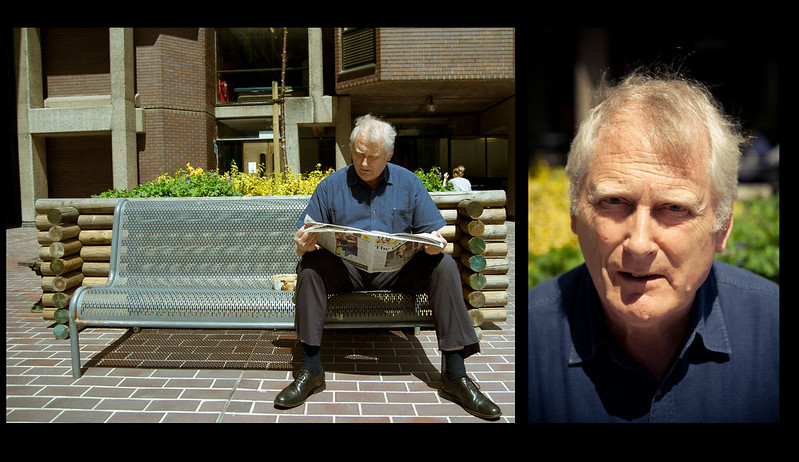
Portrait #7 by jonneymendoza, on Flickr
is this the only way to do it?
example of what i am trying to achieve in an easier manner
Portrait #7 by jonneymendoza, on Flickr