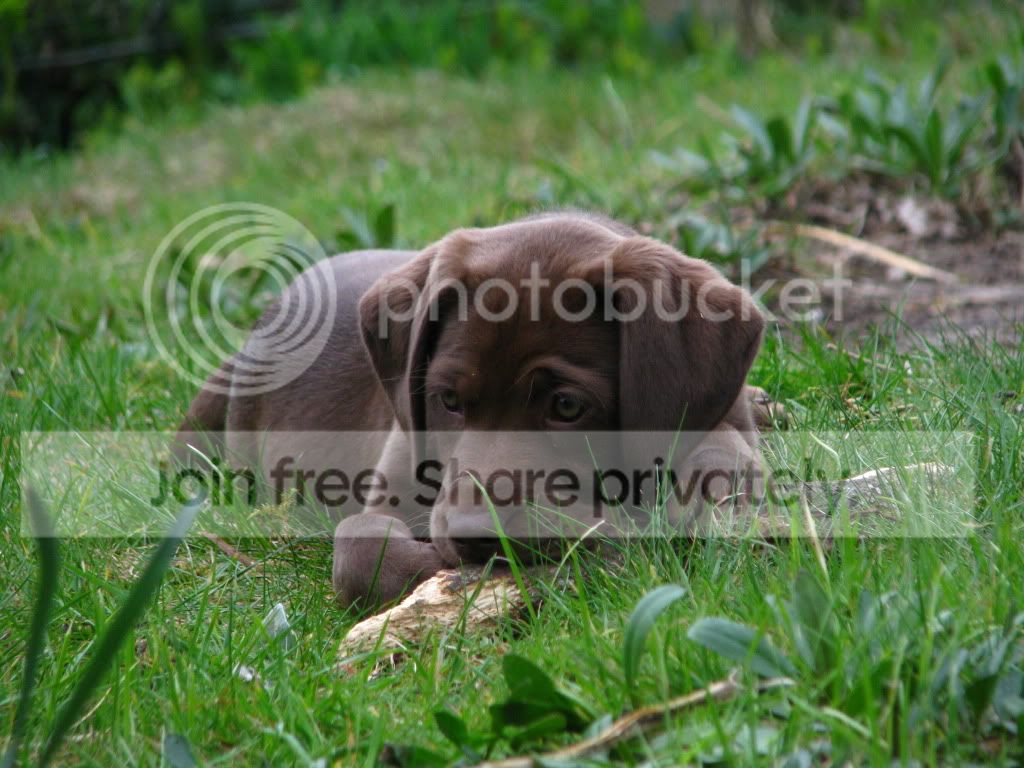
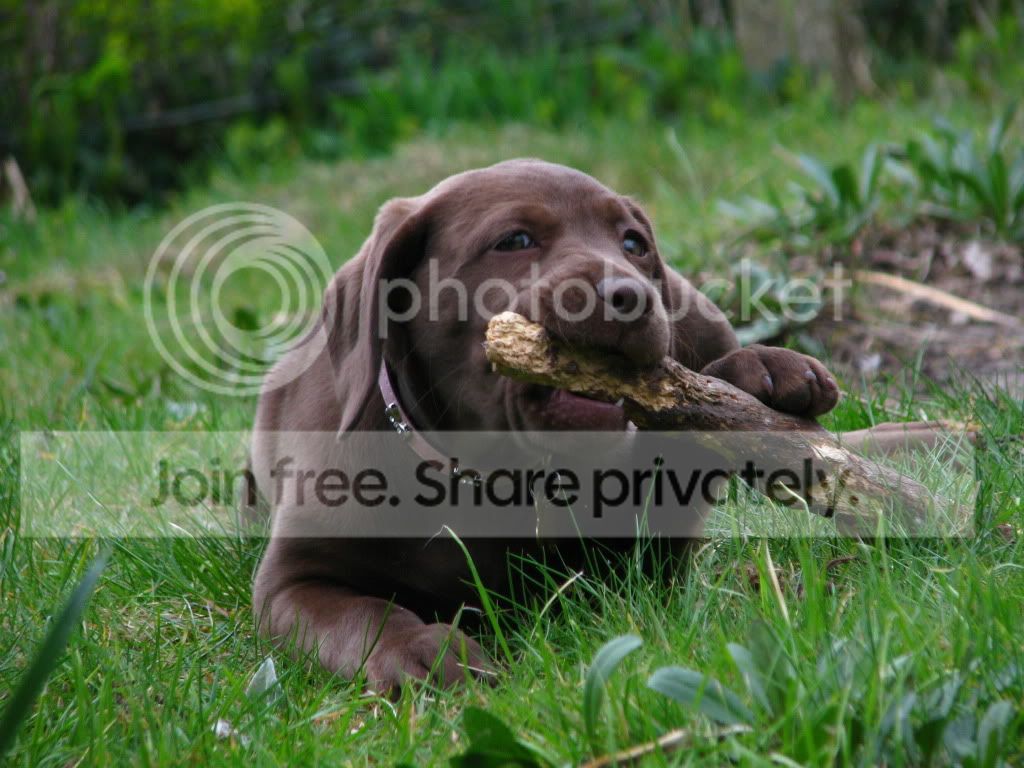
Could somebody recover these images for me please?

goodwin1234

Suspended / Banned
Messages
214
Name
Kieron
Edit My Images
Yes
Got a couple of shots of a friends puppy, however these looked fine on the LCD but on the PC they look terrible.

If anybody could improve these at all, it would be much appreciated as i'm clueless when it comes to PP.

Thanks in advance
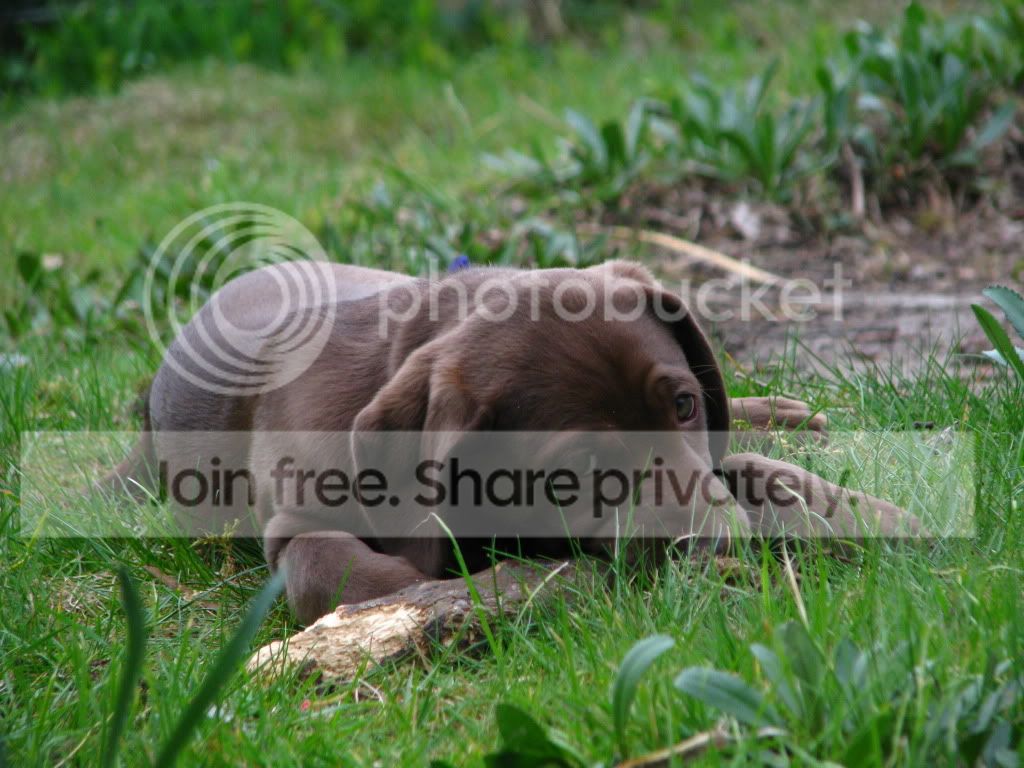
2-4.jpg


1-8.jpg


3-2.jpg
 
Tonnes better, thankyou :)

Could you talk me through what you done please?
 
Hi - had a go at 2 of them just used CS5 RAW 6.7 fiddled with Temperature; Exposure increase; Fill Light increase; brightness + contrast + unsharp mask....took about 5 minutes
http://www.pbase.com/dav4184/image/142379589
http://www.pbase.com/dav4184/image/142379777
Some grass removed from face http://www.pbase.com/dav4184/image/142379882
I have recently added a right click copyright to my images on pBase so can't add it into this message.....sorry.
If you would like me to do the others then send me a PM, I'll send you my email address and then you can send me larger image files
Dave
 
Last edited:
Had a quick go at one of them ...adjusted the colour balance-tweaked the levels- and sharpened oh yes and cropped and cloned out bits of the grass on the pups face..;)

1-81.jpg
 
Nice improvement there guys, I'm doing a photoshop workshop tomorrow, as it's waaaay over my head just now and picasa struggles to rescue my bad work :D
Hopefully a wee point in the right direction will help me master it, eventually :thumbs:
 
Back
Top