Bend The Light
Suspended / Banned
- Messages
- 2,619
- Name
- Craig
- Edit My Images
- No
Hi all,
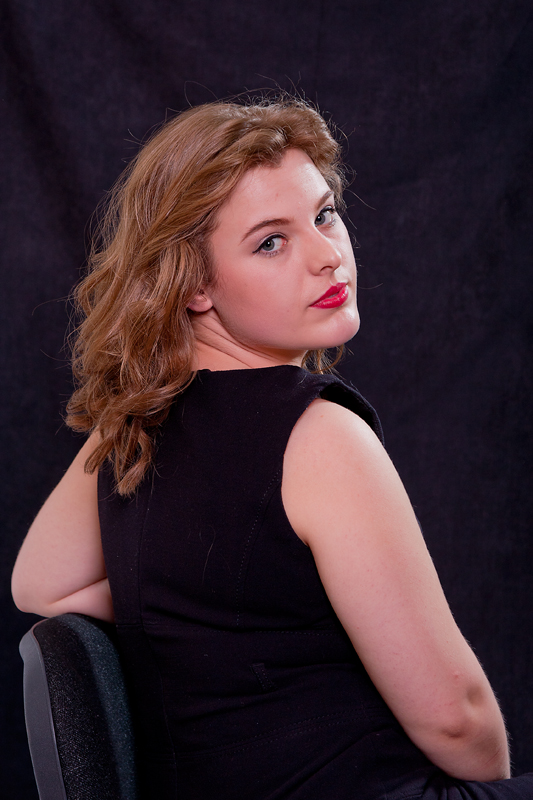
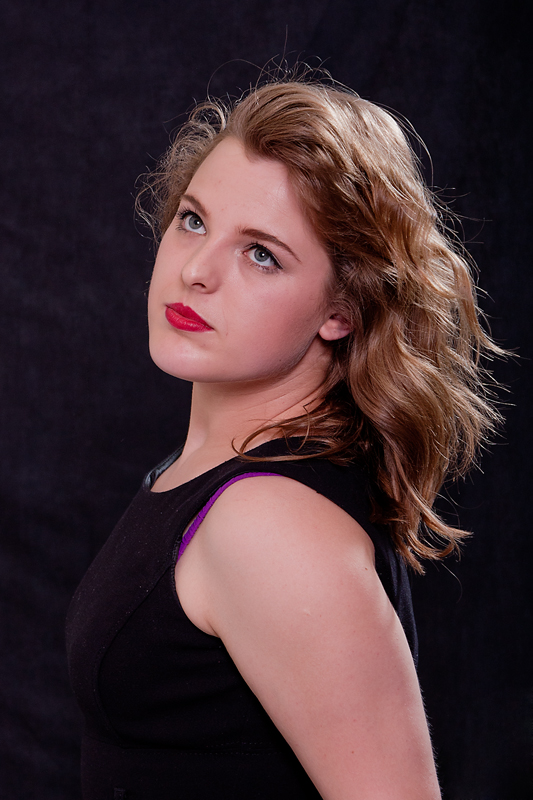
I did a shoot in my little studio last night. The model is not actually a model, and it wasn't a paid shoot, just a learning shoot.
My question:
I have issues with making consistent colours, temperature, etc across a group of images. I should have set custom WB in the studio to help, but i didn't ().
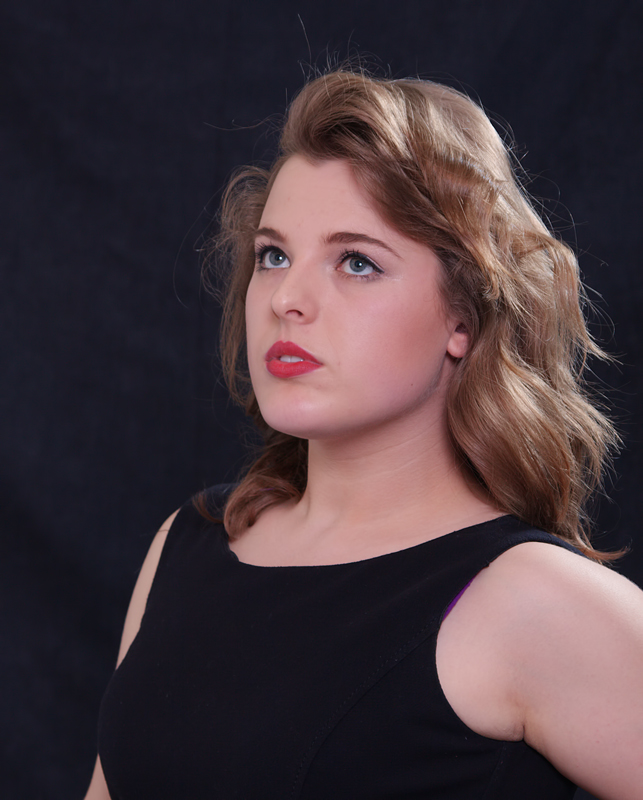
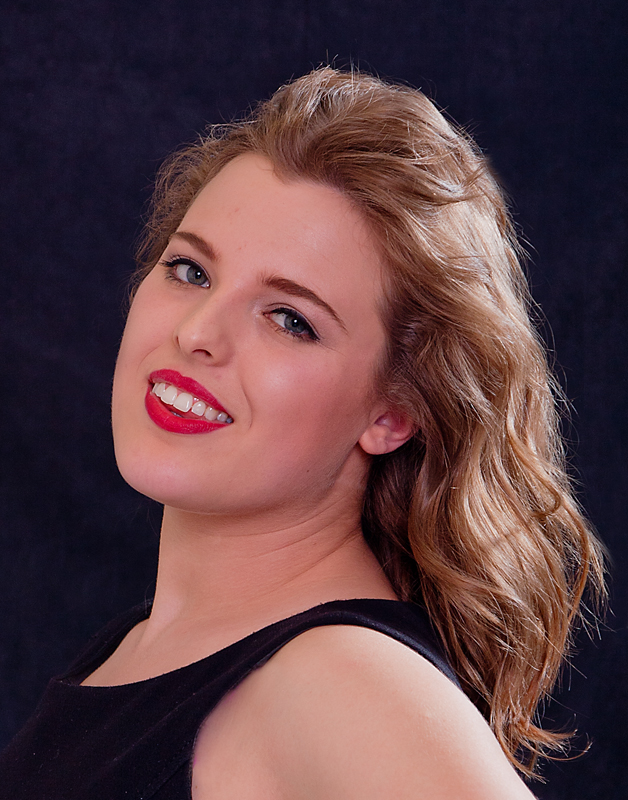
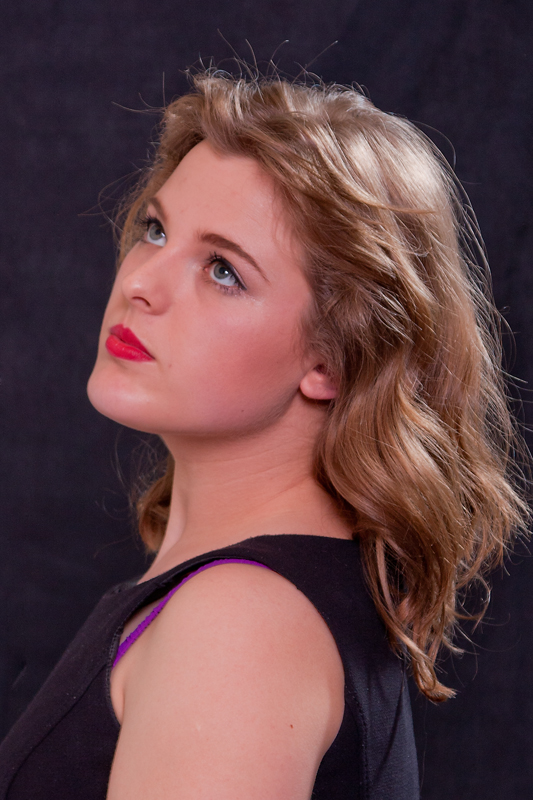
So how would I get these two images looking consistent using CS5? make the first match the second, basically, as i am happy with the second. I just don't know the best tool to use, or if it is possible to do effectively. I am colour blind, which doesn't help...I can match colours to some extent, but would probably miss a colour cast or something if it wasn't so obvious.
Next time I WILL remember Custom WB!!

Hannah v2 colour temp by http://bendthelight.me.uk, on Flickr
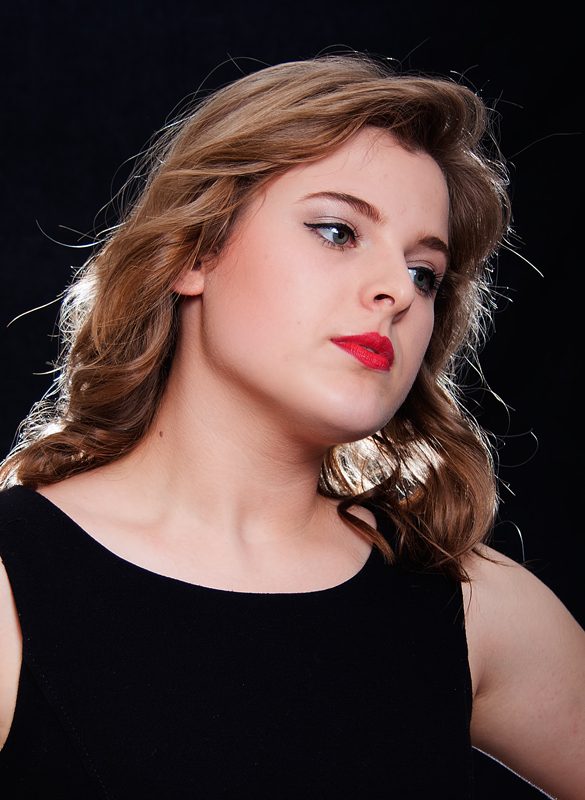
Hannah v1 by http://bendthelight.me.uk, on Flickr
I did a shoot in my little studio last night. The model is not actually a model, and it wasn't a paid shoot, just a learning shoot.
My question:
I have issues with making consistent colours, temperature, etc across a group of images. I should have set custom WB in the studio to help, but i didn't ().
So how would I get these two images looking consistent using CS5? make the first match the second, basically, as i am happy with the second. I just don't know the best tool to use, or if it is possible to do effectively. I am colour blind, which doesn't help...I can match colours to some extent, but would probably miss a colour cast or something if it wasn't so obvious.
Next time I WILL remember Custom WB!!
Hannah v2 colour temp by http://bendthelight.me.uk, on Flickr
Hannah v1 by http://bendthelight.me.uk, on Flickr