

h.r.ford
Suspended / Banned
- Messages
- 2,717
- Name
- Renee
- Edit My Images
- Yes
Ok I've taken a picture and then did something artsy to it and I want to add 4 pictures to one canvas in Elements. I cannot for the life of me figure out how. I made my own canvas but I can't figure out how to import pictures onto it. Can someone help? If this has been asked before please just point me to the right place as I'm happy to read.
Renee
Renee

 Open your original image and in layers make a duplicate copy. Then open the other images you want to insert, go to View and click on cascade, choose the first image you want to insert and drag the thumbnail from the layers palette onto your original image. At this stage you may find it is the same size so hit Ctrl-T and you will get the re-sizing boxes, re-size to your hearts content. Repeat with other images until finished.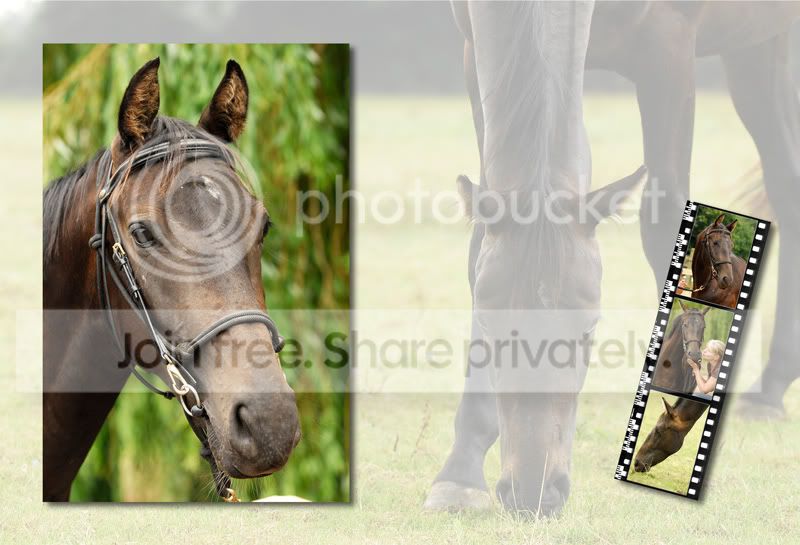
 .
.