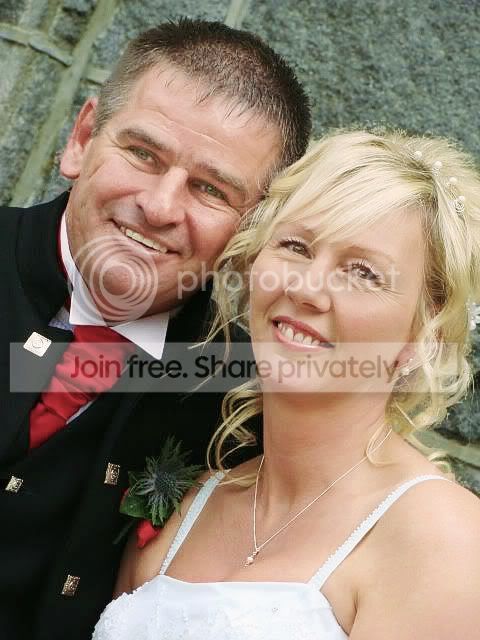
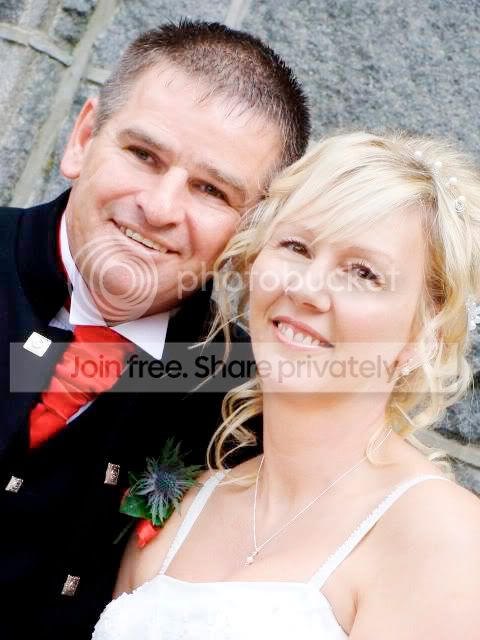
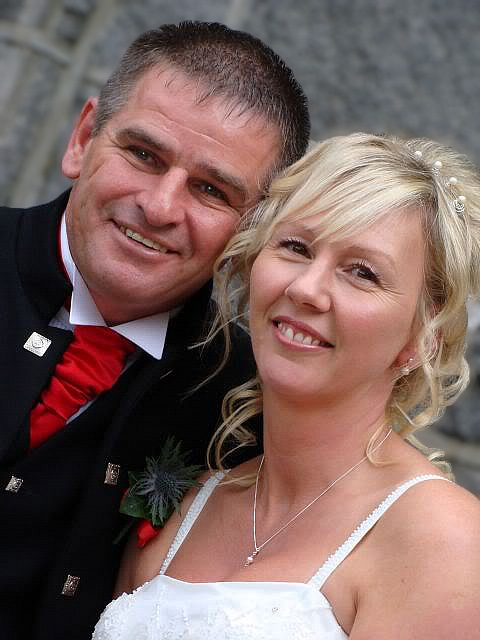
can anyone fix this?

stumanipi5

Suspended / Banned
Messages
45
Edit My Images
Yes
was wondering if anyone could do anything with this photo - as said in previous threads i dont know much about photoshop yet, and i hear about whitening eyes and masking layers for greater effects
would be really really grateful

this is the pic, but can email it the actual pic through

thanks for your time and help in advance
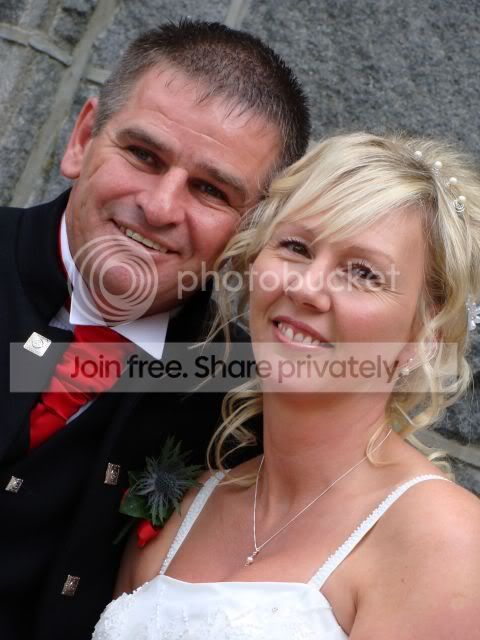
DSC01116.jpg
 
I have used masks, layers and curves adjustments on this image, to finish I applied a warming filter and sharpened.

I am not sure what you were looking for but I hope this sets you off on the right track :)

Untitled-1-5.jpg
 
not really sure - would maybe like the eys more whiter, and skin more softer - and the couple standing out more from the background?
 
What i've done in a list:
Little bit of levels
Little bit of Curves
Added about +6 on overall hue
reduced the redness in the face using hue/saturation adjustment layers
went to my dodge tool, and put it on 5% and Midtones... then sofened the shadows, especially around the mans eyes
then cured the Eyes a little to add punch then opacity of about 20%

helping.jpg
DSC01116.jpg


and this is what Lunch breaks are for...

*edit* - if you dont want them looking so white then just add more black in the curves and/levels
 
Not a lot wrong with the original. But I have had a go.

-1-3.jpg
 
Chaz shows the way with the subtle approach - best of the attempts I think.
 
I'd lighten the eyes a bit more and add a better catchlight, also soften the background a little like chaz.
4022124997_1457c31967_o.jpg
 
To be honest I would leave it alone
 
Back
Top