Can anybody please help me edit this?

Danny133

Suspended / Banned
Messages
1,530
Name
Daniel
Edit My Images
Yes
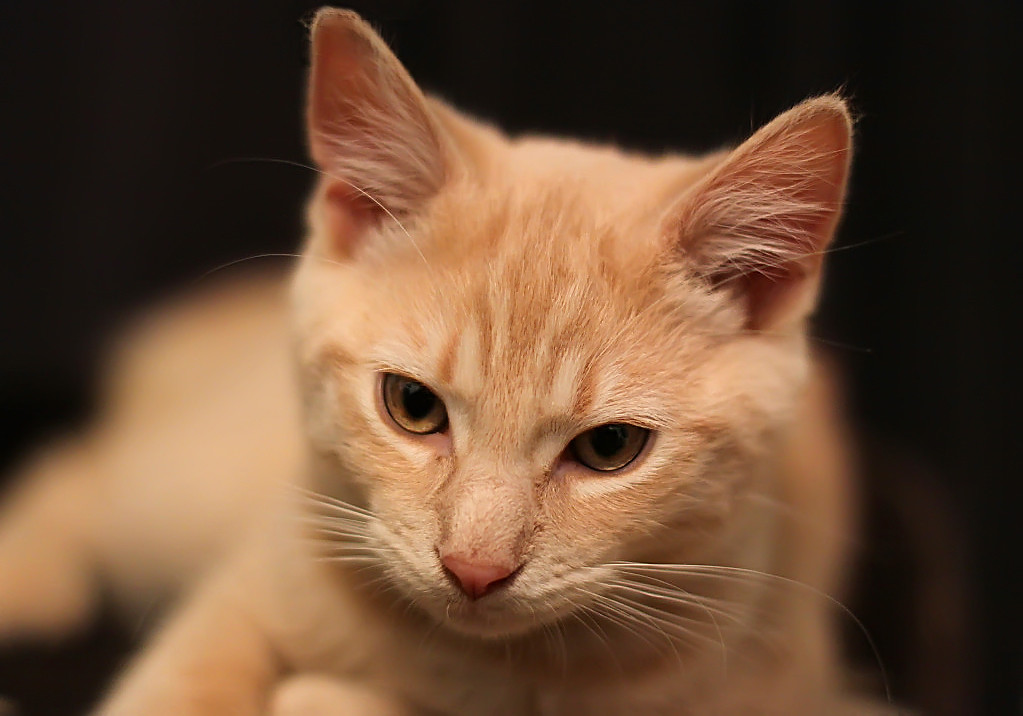
I have 2 photos of my kitten Leo

Both taken on my Canon 50 1.4 and i love the photos - they are fab!

BUT

both very soft!

Im learning on CS5 and sharpening i cannot do yet .. please can somebody help me tidy these 2 photos up?

if someone can help please say and ill email you the full res versions

thank u v much

IMG_0076.jpg


IMG_0088.jpg
 
Hi Dan

I had a quick go with the 2nd image added a tip of the ear that was clipped colour boost and sharpen

5324708313_62b0c73565_b.jpg


Dave
 
Last edited:
Wow! How did u add the ear lol! Thanks v much! I just can't seem to sharpen them properly! If I email them to u can u do it on a high rss version for me? :) or teach me how on cs5 please lol
 
img00761.jpg
 
thank you guys so much :)

would you be able to apply that edit on the full res versions so i can blow them up please?
 
Last edited:
Danny I cant PM you you must not be accepting PMs you need to change it in your profile

Or if you can upload it somewhere so I can download it
 
Last edited:
i cant do PMs mate - the mods removed my PM'ing as i dont have classifieds access :@ .. my email is danny-newman@live.co.uk .. ill reply to that with the images if u like :)
 
Hi Danny,

If using PS....just use Unsharp Mask to sharpen...pretty simple!

Give it a whirl!

Rosie
 
Hi,

Thanks Rosie ll give it a go .. better than hackers method?
 
Wouldn't say it's better. Probably easier for novice's.

I use the following settings as default...then adjust as necessary.

Amount 100%
Radius 1.4
Threshold 1

Don't forget that is just my start point!
 
Did you try for yourself Danny?

How did you get on?
 
Back
Top