Baffled,a little bit anyway.

fracster

I love BRASH and BRASH loves me
Suspended / Banned
Messages
16,666
Name
Ade
Edit My Images
Yes
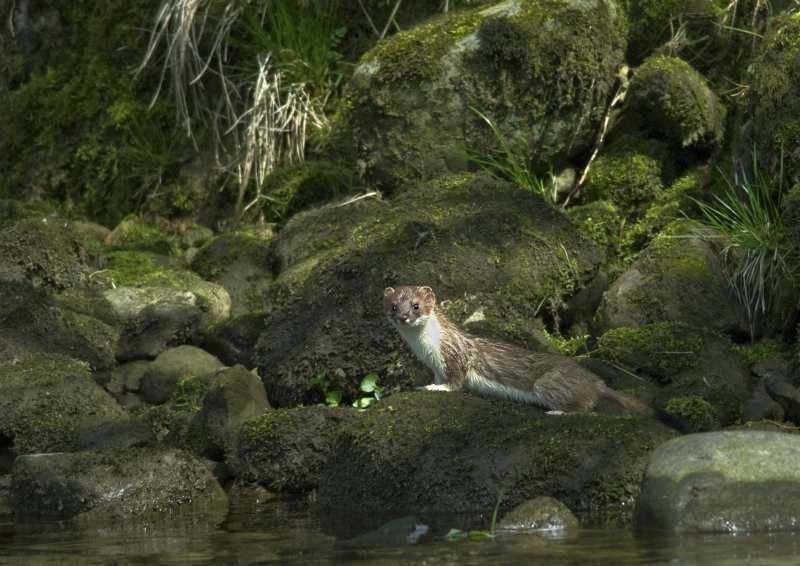
After doing my normal PPing in CS4,sharpening last, the image looks fine.I then resize with Irfanview and it still looks fine.I then upload to photobucket,post the links on here and the images look oversharpened.

Anybody any ideas what is going wrong.

Two examples.
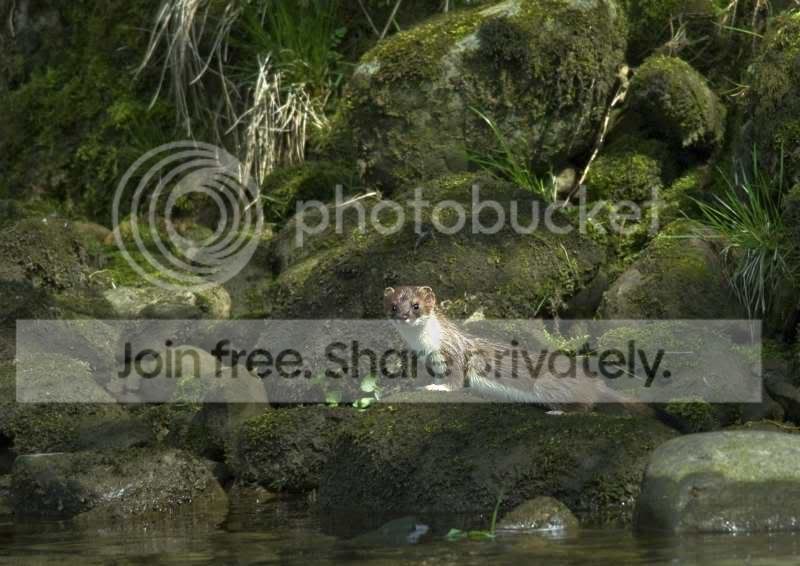
Stoats026.jpg


The stoat looks oversharpened to me, only when posted like this.

Second image, same problem.
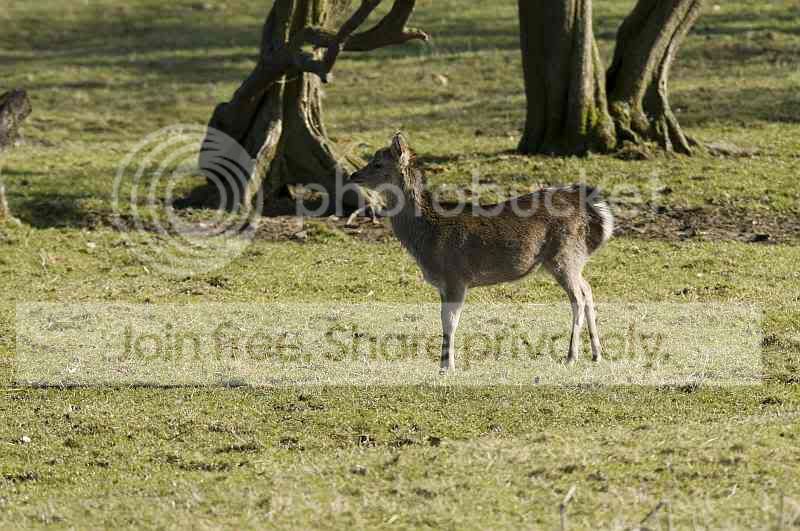

SigmaTest.jpg


:suspect:...........:shrug:
 
That is what I do.The image looks fine on my PC.It is when I link to photobucket that I see the change in the images.
 
forget photobucket,they are a waste of time, images just look odd on their, even colours seem to change, flickr is much better imo.
 
Hmmmm..........food for thought,ta............:thumbs:

How do you get the image link with Flickr?

Sorry,don`t use it often.
 
forget photobucket,they are a waste of time, images just look odd on their, even colours seem to change, flickr is much better imo.

What? The colours don't change at all, and I have found flickr sharpens images as well meaning they look oversharpened.

I have also since stopped using irfanview to resize my pictures and then sharpen as I find it applies sharpness in increments that are quite large, meaning I sometimes have to leave a resized image unsharpened as it looks naff when sharpened.

Have you considered using another program to sharpen it such as DPP, which will actually sharpen the image properly?
 
The images look a little pixelated to me.. what resolution were they before you resized? There doesn't look to be too much detail in them! Could you try posting some 100% crops? :)
 
The image sizes are quite small... about 64Kb... so possibly heavy jpg compression... what does a file look like that's not compressed ? The odd lines in the second look like compression artifacts (I had a bunch of images ruined during resize by just that very thing, I redid them with different settings and they were so much better).
 
I've found that Photobucket does that to images.

Try Flickr. If you want the direct image link, click the 'All sizes' button above the shot, choose the resolution you want and then right click on the image there and click 'properties'.
 
Thanks Danny.

4435903039_952de2da6b_o.jpg


Edit,looks the same,must be something`im doing.

Phil,the deer is uncropped mate.
 
Back
Top