Advice for a n00b

dankellys

Suspended / Banned
Messages
221
Name
Dan
Edit My Images
Yes
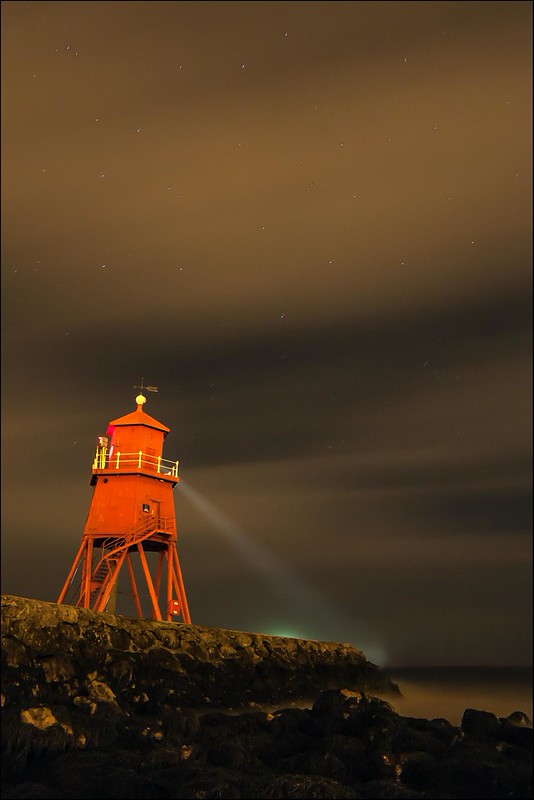
So, I just got my first dSLR yesterday, and took it out for a spin as soon as it arrived. I have posted a few of my efforts below, and really I am just after any adivce you have to offer with regards to how I can improve the quality of my shots. Being new to photography, all of the shots were taken using the preset modes on the camera's dial.

8653572564_29852b6123_c_d.jpg


8653482036_265f1f03d2_c_d.jpg


8652322639_63b786ef17_c_d.jpg


8652354411_e28489e1e8_c_d.jpg


8652311015_b4a7c9db8f_c_d.jpg
 
What did you get?

I can only suggest you keep taking shots, get used to things a bit more.

Then change to A and S modes and play with those, work out what your shutter speed and aperture setting does, Youtube is a fairly good resource for learning these basics.

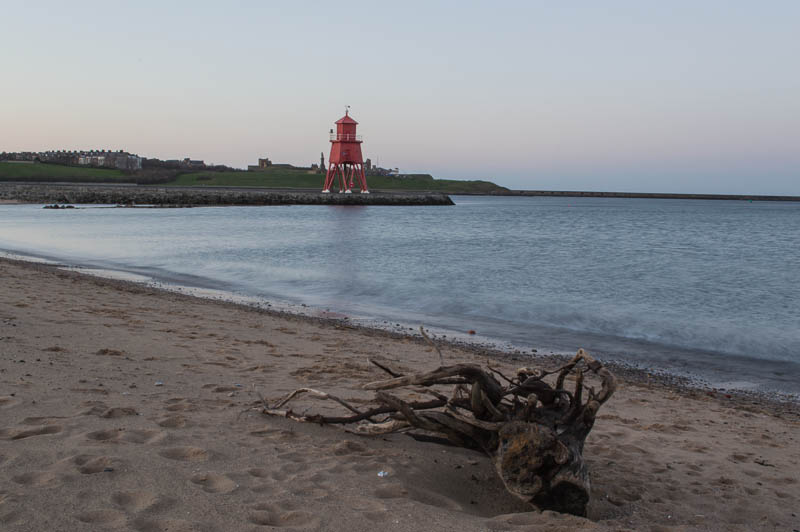
As an example, in photo #2, if you'd gone with a long exposure and low ISO, you'd have seen a nice misty smoothing effect on the water. A bit like this

But unfortunately to get that long exposure, you'd also need an ND filter, cloud cover, or to come back after sunset AND most certainly a tripod or level surface. But that's all part of the fun :)
 
Last edited:
What do you want to Shoot might also help us. But mainly, Just keep taking photos. You'll get better as time goes by.
 
not bad first efforts at all, your composition on some is quite good

As said water and long exposures seem to work well.
 
Those are quite impressive for only having just got the camera Dan.

Like others have said, once you get used to the camera then you can start looking at experimenting with depth of field and maybe look at getting a tripod for some long exposures etc.

Cracking location for seascapes that part of the world :)


Warning by Danny Birrell, on Flickr
 
Thanks for all the help, i did have a go at using it in manual mode yesterday, but ended up either under or over exposed in pretty much every shot (as well as a few completely white! :bonk: )

Will have a look on YouTube for some tutorials too, thanks for that advice.

I do have a very cheap tripod (donated to me by my dad, who got it free with his camcorder a few years back), which I haven't tried out yet.

I do like the look of the misty water shots, and even tried to get one yesterday in manual mode after reading a tutorial online, but a) I didnt get the misty effect at all... and b) it was over exposed... Got the settings wrong somewhere, but I am sure I will figure it out with time.

So many good places for seascapes round here, planning a trip along the road to Souter Lighthouse sometime this week too.
 
Thanks for all the help, i did have a go at using it in manual mode yesterday, but ended up either under or over exposed in pretty much every shot (as well as a few completely white! :bonk: )

Will have a look on YouTube for some tutorials too, thanks for that advice.

I do have a very cheap tripod (donated to me by my dad, who got it free with his camcorder a few years back), which I haven't tried out yet.

I do like the look of the misty water shots, and even tried to get one yesterday in manual mode after reading a tutorial online, but a) I didnt get the misty effect at all... and b) it was over exposed... Got the settings wrong somewhere, but I am sure I will figure it out with time.

So many good places for seascapes round here, planning a trip along the road to Souter Lighthouse sometime this week too.

Just do it in S mode (shutter priority), that'll self adjust the rest to suit :)
 
dont go too cheap on the POD, you'll risk breaking your camera/lens
Start looking at articles on exposure triangle to understand what affects what to help you get the right shot.
But an easy start is this method
Say you wnat to shoot a long exposure of the shots you've done....
setup on tripod
set camera to shutter priority say 1 second
ISO to 100
and compose (half press the shutter and you'll see the aperture the camera has selected for your shutter speed)
Now switch to manual remembering shutter speed and aperture.
now add a 6 stop ND filter and add 6 stops to your shutter priority setting which will be 30 secs (off top of my head).
then if you dont have a remote take the shot on shutter delay mode to stop camera shake
check the results and adjust shutter speed/ISO as necessary to lighten or darken the image.

Once happy with the image note down all your settings and the conditions. Next time you can change to manual, input those settings and voila...
Once you have all the settings, in manual mode you can change either the aperture or the shutter speed as you desire.
good luck
 
Last edited:
You seem to have a good eye for composition and your horizons are straight - hopefully straight out of the camera without any rotation trickery!

Just keep using it as others have suggested.


Steve.
 
Last edited:
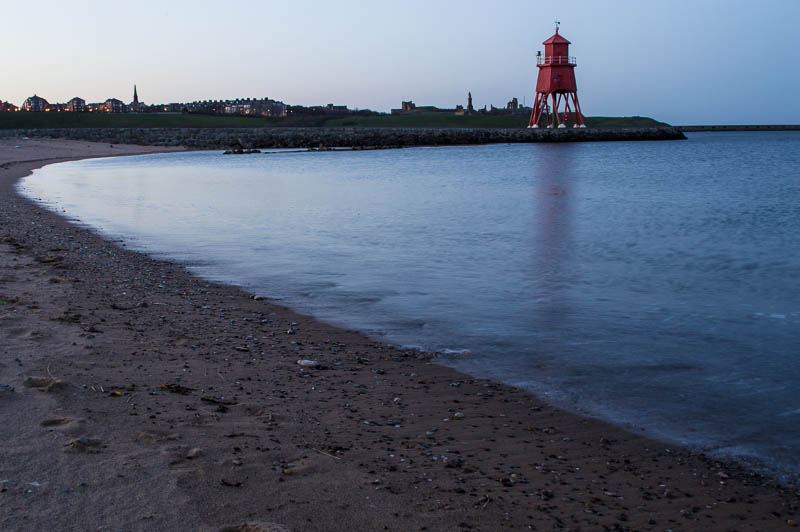
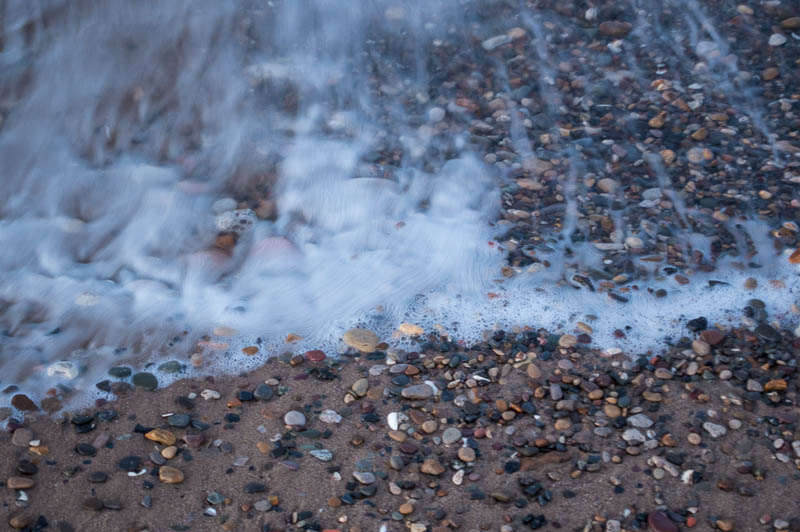
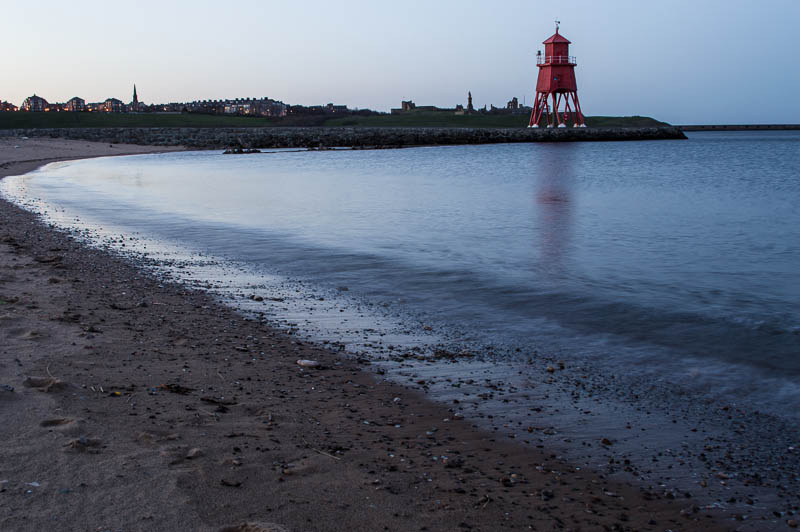
Cheers for all the replies. I actually when out at sunset and gave it a go. I don't have an ND filter yet, so they haven't turned out as well as I would have liked, but still not too bad. The sea was extremely calm tonight so i think they look more glassy, than misty. Here is a sample:

8656414700_dfb115ae37_c_d.jpg


8655328387_07924f894b_c_d.jpg


8655328949_4a1f8bc98e_c_d.jpg


8655325205_c688bfce8c_c_d.jpg
 
Remember to find something in the foreground for your viewer to see.
Usually rocks or a boat or something similar and get down low to them for a better perspective.
 
Yeah, I agree, they are a bit boring, but my main objective was to get my head around shutter priority tonight, and try and get some misty effects too, but I will remember that in the future.
 
Yeah, I agree, they are a bit boring, but my main objective was to get my head around shutter priority tonight, and try and get some misty effects too, but I will remember that in the future.

Well, you have an excellent location for it.

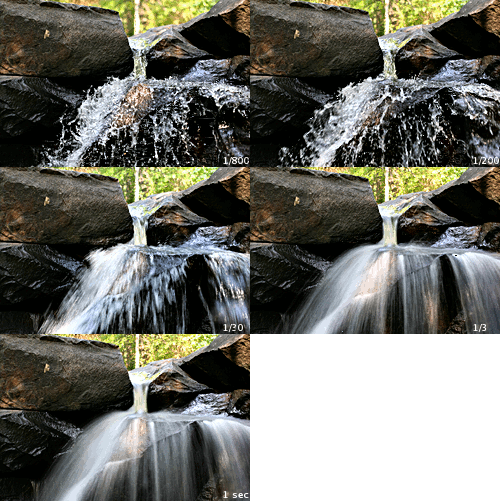
When I started out, I used to keep this image on my phone as a quick reference:

Shutter_speed_waterfall.gif


There are similar images that show depth of field.
 
Back
Top