Advice and help with PP

rich_cooper

Suspended / Banned
Messages
568
Name
Richard
Edit My Images
No
Ive started doing car photoshoots and my editing skills are very low. All i do is auto-levels and brightness/contrast/saturation and sharpen. This is pritty much all i no how to do in photoshop as its the same stuff i do with my motorsport photos.

Any tips or advice on what i can do in photoshop to improve my PP and get better results would be great.


Here are acouple of images from some of the photoshoot...............
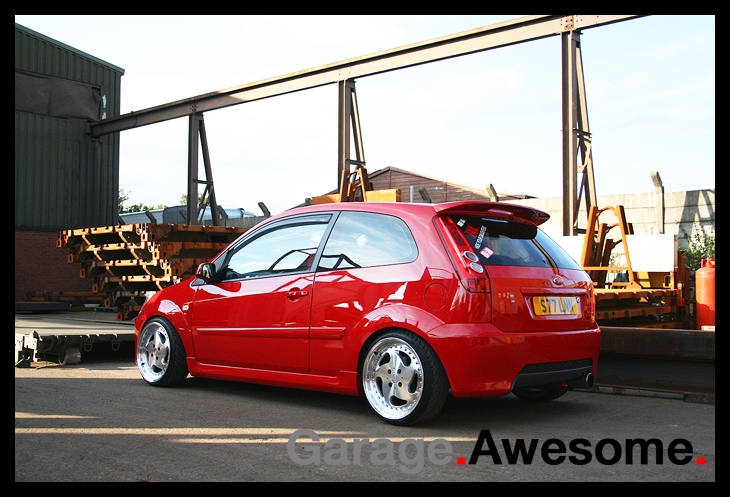
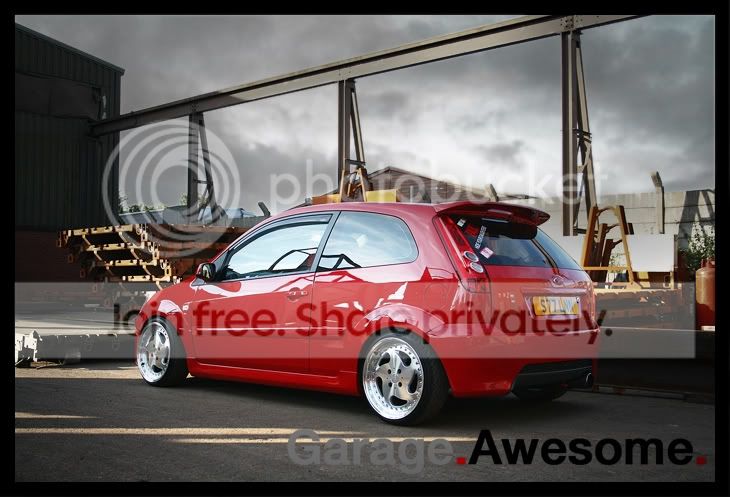
fiesta-pshoot3.jpg


weather was crap on this day
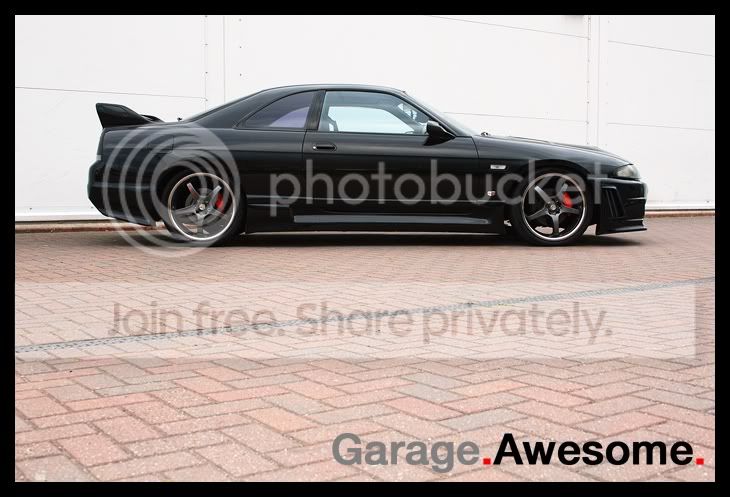
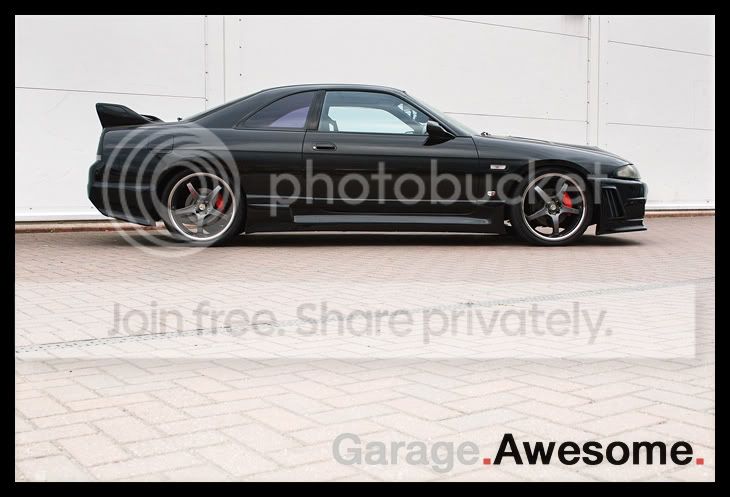
skyline-photoshoot18.jpg
 
Hi Richard,

This is one of those "how long is a piece of string" questions :)

I would suggest you learn some basics such as how to use
Layers
Pen Tool
Clone Tool

to start with, there are lots of tutorials on the web for these, just do a search, for instance on,
Photoshop layers tutorial (and if you include your version of PS that also sometimes helps). Do this with just about anything you want to find out about or ask specific questions here if you get stuck

Hope this helps
 
Get yourself a polarising filter to reduce the reflections on the car. My comments are more about taking the shot. For the first one, a bit too busy background and for the second one the two lines going across the frame are distracting. Try and look for a little distance between your subject and the background to make it pop out of the scene.
 
These are just a couple of quick examples to show how i'd edit them (roughly).

fiesta.jpg

r33.jpg


Fiesta: The sky has been over exposed and any detail has been lost. One way to avoid this is to take another picture, but exposed for the sky, then merge the two in photoshop (HDR style). If thats not possible, you could photoshop one in.

Skyline: The main problem for me is the composition (some may like it). I'd rather move a little closer to the car to cut out some of the ground. However its possible to draw less attention to it by desaturating it, or making it less interesting to look at.
To be honest, I'm not 100% sure if I like the method I've shown above. I was just trying something new.
 
Read up on / watch tutorials on layers (and layer masks) and curves. If you know how to use those two facilities properly you can do a heck of a lot.

Then concentrate on giving yourself less to do with them. For example; some might like it, but the busy reflections on the Fiesta are generally a no-go for cars.. and much easier to sort at the time than in post.
 
Read up on / watch tutorials on layers (and layer masks) and curves. If you know how to use those two facilities properly you can do a heck of a lot.

Then concentrate on giving yourself less to do with them. For example; some might like it, but the busy reflections on the Fiesta are generally a no-go for cars.. and much easier to sort at the time than in post.

I also thought that the reflections were distracting. Perhaps standing somewhere else when taking the shot would have helped. I'm not 100% sure about this, but maybe a polarizing filter may have helped?
 
Back
Top