

kamion
Suspended / Banned
- Messages
- 1,887
- Edit My Images
- Yes
Hi guys,
Here's a challenge I have for you who are keen on photo manipulation.
This is the photo. A badly taken photo. There's camera shake (as evident in the lettering on the map) and the main subject, the bowl of fruits, is out of focus.
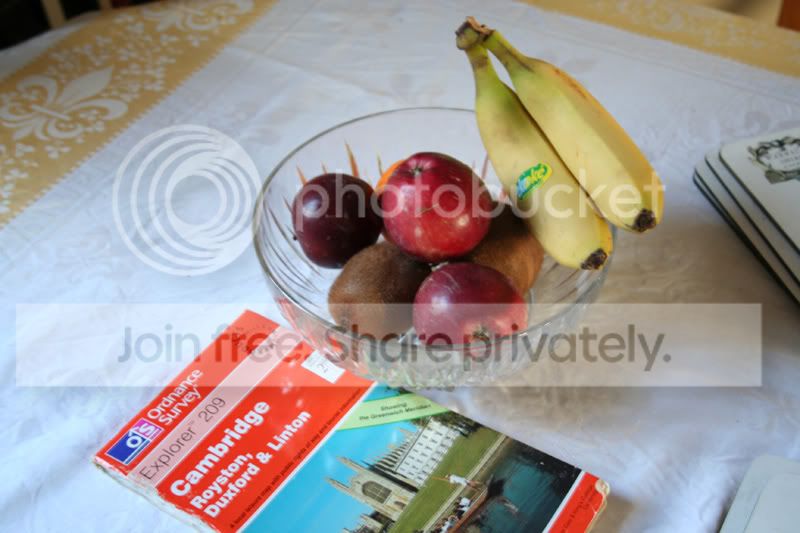
What can you do to remove the visible camera shake on the map and make the bowl of fruits a bit sharper? Please tell us how you do it.
The CR2 file can be found here:
http://www.savefile.com/files3.php?fid=8905985
Here's a challenge I have for you who are keen on photo manipulation.
This is the photo. A badly taken photo. There's camera shake (as evident in the lettering on the map) and the main subject, the bowl of fruits, is out of focus.
What can you do to remove the visible camera shake on the map and make the bowl of fruits a bit sharper? Please tell us how you do it.
The CR2 file can be found here:
http://www.savefile.com/files3.php?fid=8905985


