

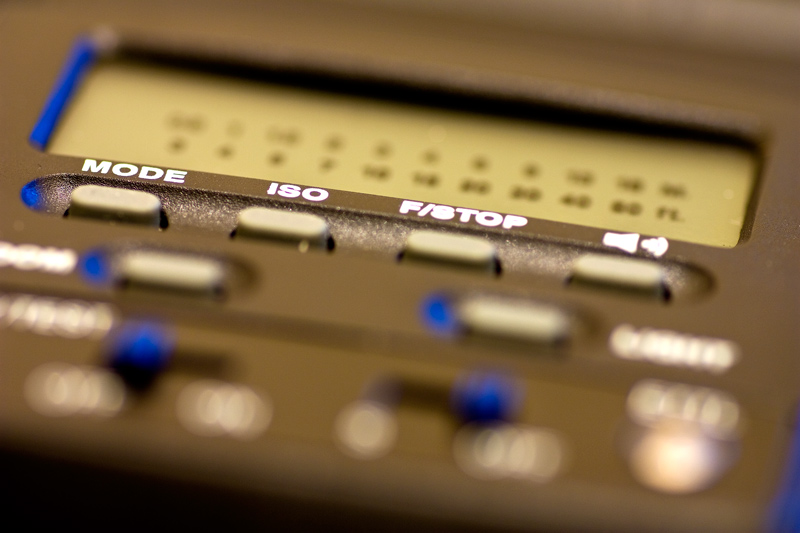
360AFD: ISO and F-Stop buttons

Kiwi Jaz

Suspended / Banned
Messages
785
Name
Jarod
Edit My Images
Yes
I have a Jessops 360AFD flash for my Canon 450D and have been trying to work out what the ISO and F-Stop buttons are for on the flash.

Have read the (very basic) manual and still cant work it out.

I have tried depressing the buttons in TTL and Manual mode's but they don't seem to do anything.

The manual also states the recommended flash-to-subject should be indicated but that doesn't seem to be displaying in either mode.

What am I missing here?
4356114898_7ba19a218a_o.jpg
 
I have 2 of these flashes. Also used with a 450D. Just tried them and suggest you try the following

1. Make sure the connection to the camera is good. Mine would not work and I removed it and put it on again and it did work.

2. Make sure the flash head is turned to face forwards when on the camera. It will not work if pointed up.

3. Press the shutter button half way. The ETTL light should now be lit and you should have ISO and F-Stop on the screen

4. Press the mode button to change from TTL to manual.

Pressing the ISO and F-Stop buttons should then work
 
... and the distance is shown as a bar between the two rows of figures (Top row is metres, bottom row is feet). Again this only comes on half press of shutter button.

Just to add.. When I bought the 2nd flash, the display was very dim. Took it back to Jessops and they replaced it.
 
Ahh..I get it now. Many thanks for your reply Halflap.
I had the flash head turned up slightly like you said.
Set it back to level and now the ISO and F-Stop are displayed as well as the flash to distance scale.
Now I am cooking with gas!
Thanks again.
 
Back
Top