100 % Disk Usage

stevetiler

Suspended / Banned
Messages
1,475
Name
Steve
Edit My Images
Yes
Morning all,
I've noticed that when I boot up my Win 10 pc the main HDD runs at 100% for about 20 mins before it settles down , is this normal?
Runs so slow while this is going on ! Any tips?
Thanks
 
That isn't normal - there are several possibilities:

Virus scan running.
Heavy fragmentation.
Virus/Trojan etc running in the background.
Backup software either running or scanning the disk for changes.

There's other things it could be but these seem the most likely.
 
Its doing it again now , looked in processes tab and nothing is higher than low !
 
Our older pc had this problem last year and became very very slow. I tried most of the so called solutions from the web but in the end I reinstalled W10 whilst keeping the software and files. This solved the problem.

Have you tried giving it a clean in case there is a lot of dust/hairs etc?
 
Possibly:

You have a virus or malware ( if you don't have anti-virus, do a deep virus scan with a free version of a program like Malwarebytes)
Your HDD is simply full and it's churning because it can't find free space to put internemdiate things down in. Just look in 'This PC' and you can see how full it is
There is an update or scan that hasn't taken, which it is trying to complete every time you boot up
 
HDD is only half full and I've done a Malwarebytes scan and anti-virus scan with no results?
 
Personally I would copy all the files to an external HDD and then re-format the HDD (assuming you have a genuine copy of Win 10 or can activate it on re-installation.
Failing that right click on "Properties" for the disc, then click on "Tools" then Defragment it from the menu and then check the drive for errors.
 
HDD is only half full and I've done a Malwarebytes scan and anti-virus scan with no results?

Defragmenting the drive probably won't help, as Windoww 10 uses a journalling system that really doesn't need it any more - so that's three possibilities eliminated. Checking the drive for errors is a good idea, though - it might be an approaching hardware failure.

Maybe a Windows update didn't take and is trying and failing to install every time you boot up. That's happened to me, and it led to start-up times as long as ice ages with a busy HDD.

To check you can go Start --> Settings --> Update and security
If you find a pending update that never installs, there's a fix for that in the Windows 10 Update Assistant.

First step is to check to see if you updates are complete.
 
Like Brentor, when an older PC I used to have had the same symptoms it took a re-installation of Windows to cure it.
 
I don't appear to have any pending updates - only an "optional" update which is version 21H1 ? Should I install this ?
 
I don't appear to have any pending updates - only an "optional" update which is version 21H1 ? Should I install this ?
That's optional :)

If you don't have a major update downloaded and ready to go, that's not your problem eithe. Optional updates don't install until you manually OK them, so that's not it, either. I've had the same symptoms as you when an automatic update kept trying to install and kept failing, which is why I thought it was worth looking at.

It may be that some system files have been corrupted, which is why people here suggest reinstalling windows.

Windows 10 offers the option to do a 'repair' which overwrites system files without deleting your data or settings. That's quicker, easier and might do the trick. Just be very careful that you select the 'repair' option and don't do a full reinstall instead. That will wipe all your data.

Better yet backup all your data in case.

Did you check your drive for system errors?
 
I may try this if problem persists

Coz thats how the PC was made ! I know an ssd would be better but i'm not a pc wizard so wouldn't know how to fit one

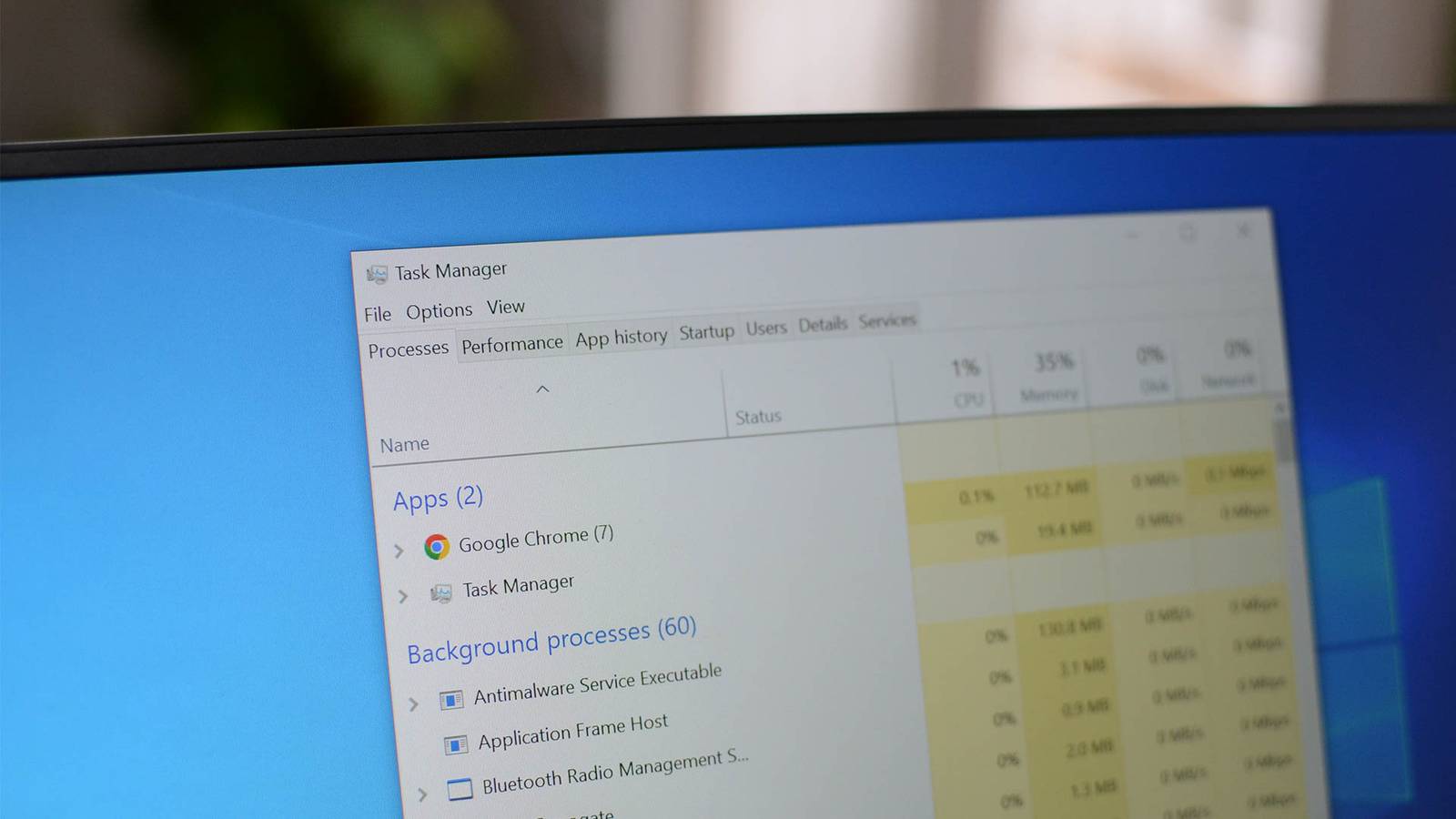
Nothing shows in Task manager - all processes are low or very low
In Task Manager, did you launch the resource monitor from the Performance tab? From there you can choose Disk and that will show you what is using the disk?
 
How much memory has the system got?

Are you shutting it down or putting it into hibernate/sleep? I believe Windows 10 defaults to a sort of "quick boot" state and loads most of it's memory from disk at start up.

When using task manager to diagnose, you need to open the advanced details view and look for the Disk column. Click it to sort by disk usage. If nothing appears to be using the disk, check the performance tab and look at the disk graph. If the HD is trashing and nothing appears to be claiming it, it's most likely the windows kernel moving memory pages around.

I'll take the flack for this, but Windows memory management is absolutely terrible, especially when running low on it. It tries to be efficient by caching and recaching things in the page file, but that causes huge bottle necks when you "run out" of memory and have things being offloaded TO disk in order to reload cache or files OFF disk. Forcing the HD to carry out 2 operations at different locations on the disc causing "trashing" which is extremely slow. The whole thing generally causes it to build up getting slower and slower and then only thing you can do is go away and let it finally catch up.

The minimum for a Windows 10 PC these days is 8Gb of RAM. If you have 4Gb you will experience issues running any sizable professional application, like LightRoom, Photoshop or video editor. 16Gb and most memory issues go away unless you are editing HD or 4K video and need a massive in memory disk cache for scrubbing.

I was running Windows 7 on my laptop, i3 6Gb RAM. It did exactly what you are describing, 100% disk for 5-10 minutes after coming out of hibernate. Really sluggish performance, even to open Chrome and YouTube. I used to turn it on, before getting ready for bed, so it was ready for late night viewing 5 minutes later.

I upgraded the laptop to an SSD, nothing special, just a £30 Corsair 256Gb. I installed Windows 10, which turned out to be pre-licensed on that laptop.

Night and day. My SSD Windows 10 systems ALL take longer to get through BIOS to the windows boot logo than it takes Windows to boot to desktop. I can hit the power button on the media centre, then the TV, then by the time I have jumped into bed and fixed the pillows, not only has the Windows desktop appeared, but it's nicely relaunched Chrome at the last tab as well.... in under 15 seconds.

If you can't go for the upgrade to SSD and/or more memory, a completely wipe and reinstall of Windows 10 would also be a temporary option. It will clean out all teh redundant crud that builds up in the start process and registries.

 
Last edited:
Thanks all for help, think I'll have a chat with local PC guy and get an ssd fitted and maybe a few other bits to get it up to spec!
 
Back
Top